
Inviting your team
Updated Friday 23 October
Owners and admins can invite people.
- Click Settings (right-hand end of the module bar), then Team.
- Type the person's email address, choose Member or Admin, and send the invite.
- They get an email with a link to join your workspace.
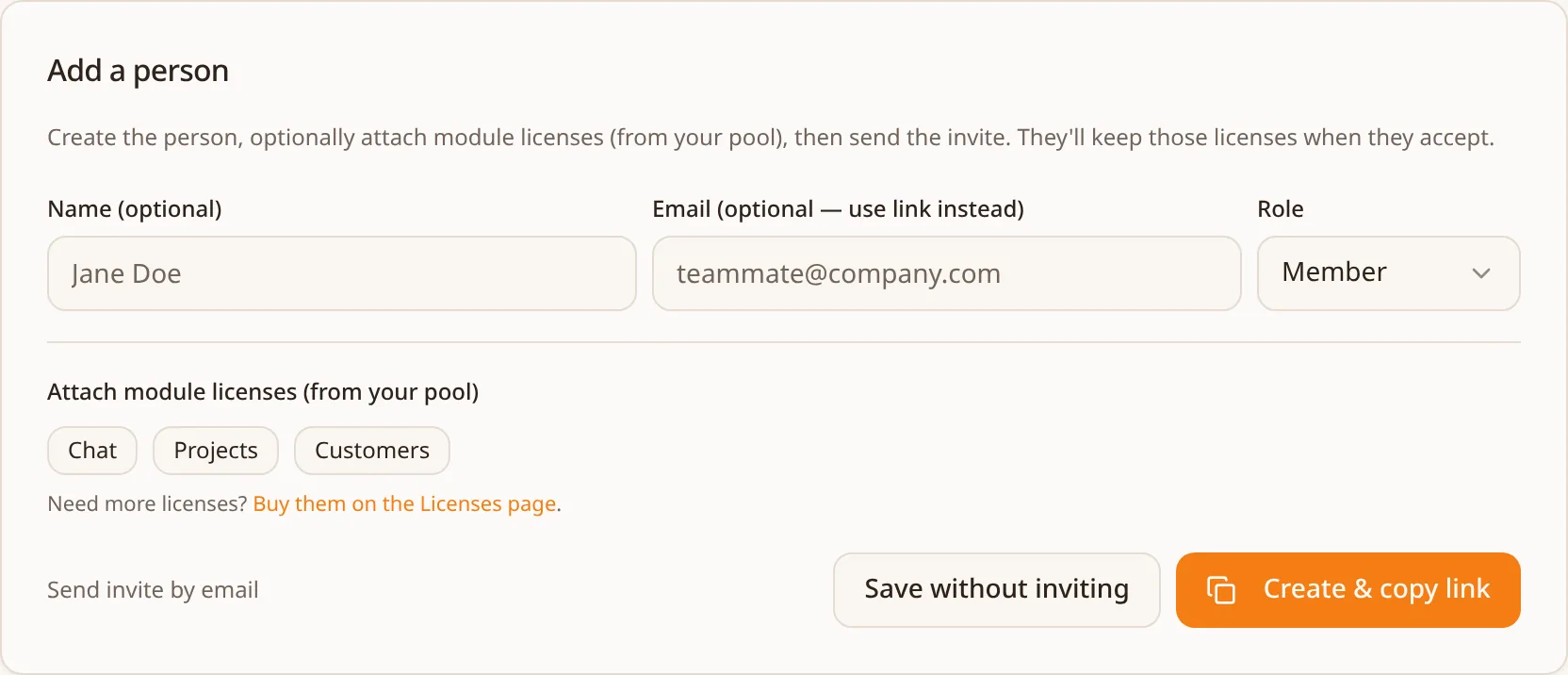
Settings › Team: invite people and choose who has which module.
If an invite is already open for that address, Jupiter Day tells you, so you can resend it or refresh the link instead of sending a second one.
Roles
| Role | Can |
|---|---|
| Admin | Help run the workspace: its settings, modules and people |
| Member | Use the modules they have a seat for |
Seats
On the same page, tick which modules each person can use. Customers, Chat and Projects each need a seat. Only people with that seat can see the module. You can also copy an invite link, and choose someone's seats before they join. Anyone can still be given a task. See Plans and pricing.