
Signing in
Updated Friday 23 October
Sign in with an emailed code
- Go to jupiter-day.com and click Log in (top right).
- Type your email address and click Email me a code.
- Type the six-digit code from the email.
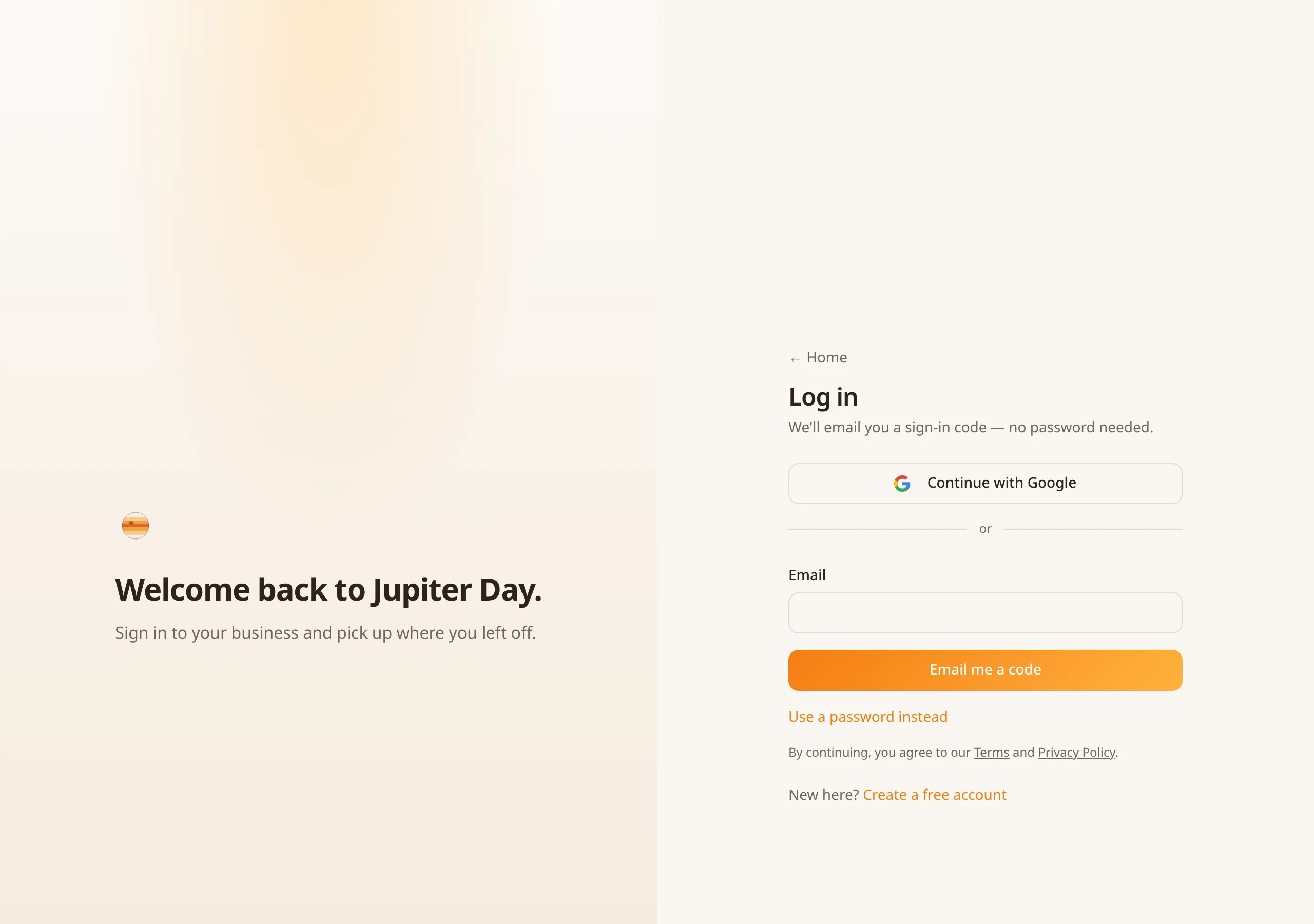
The sign-in page: email code, password or Google.
You can also sign in with your password or with Google from the same page.
Invited by a colleague?
Open the invitation email and follow its link. It joins you to your team's workspace. If you don't have an account yet, choose I'm new – create an account.
Code not arriving?
- Check your spam or junk folder.
- Wait a minute, then ask for a fresh code.
Extra protection
You can switch on two-step sign-in with an authenticator app. Click your photo (top right), open your Area, then Security.