
Giving a task to someone else
Updated Friday 23 October
Assign it
Choose the person under Assign to, or type @name in the quick add. They see it under Assigned to me; you see it under Assigned to others.
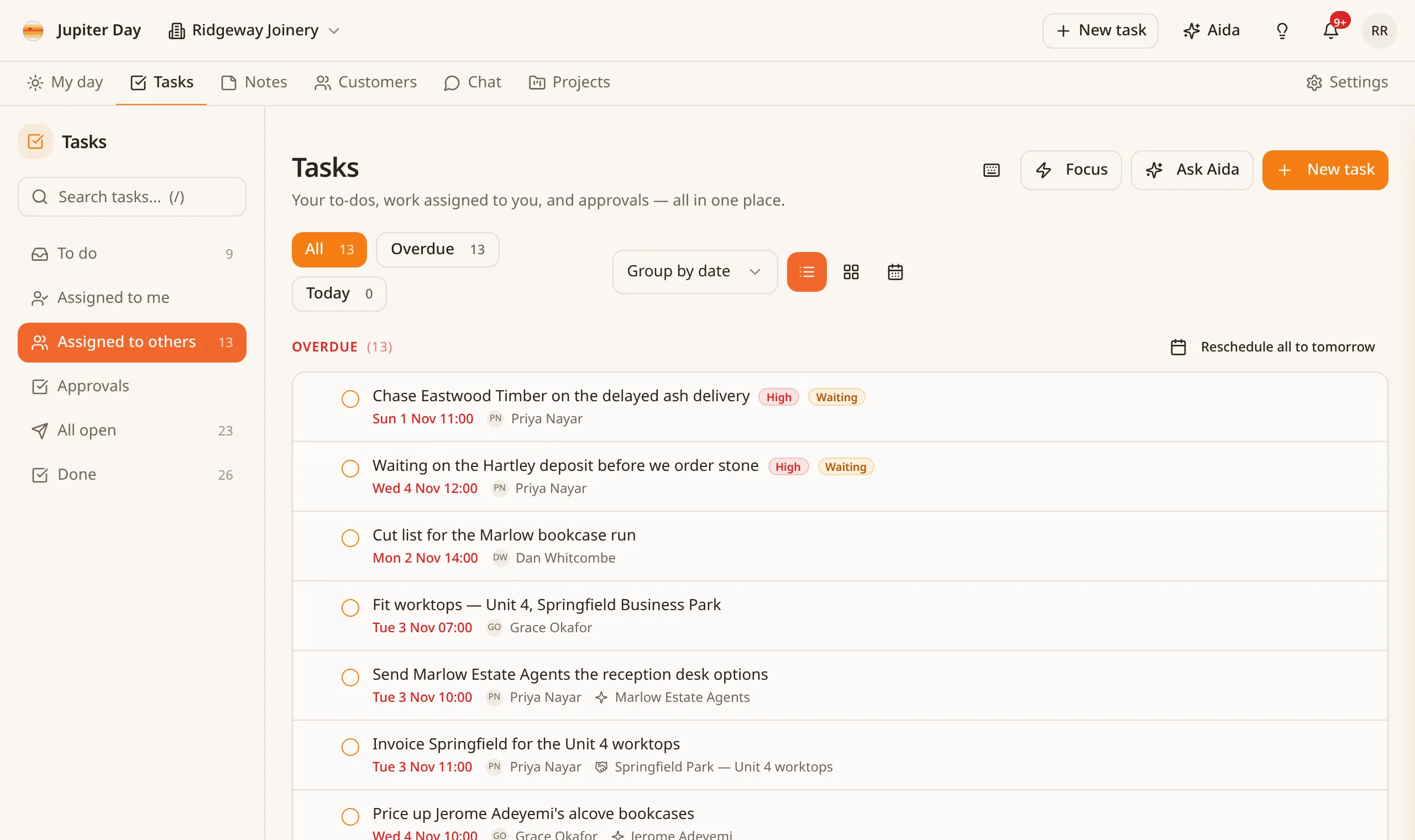
Assigned to others: everything you've handed out. You can nudge open tasks you handed out.
They're told straight away: in their bell, and as an alert on their phone or computer if they've switched alerts on (unless they've turned these off in their Notifications settings).
Keep it moving
- Nudge: if you gave someone a task, send them a gentle reminder. You can nudge the same task once every four hours.
- Comment: open the task and leave a comment. Only the people you @mention are told, so type @ and their name.
- Reassign: if a task isn't yours, pass it to the right person rather than leaving it on your list.
One owner per task. If two people share a job, make two tasks.