
Overdue, Today and Sleep
Updated Friday 23 October
Overdue and Today
A task is overdue once its due date and time have passed and it's still open. A task due at 15:00 today shows under Today until 15:00, then it's overdue.
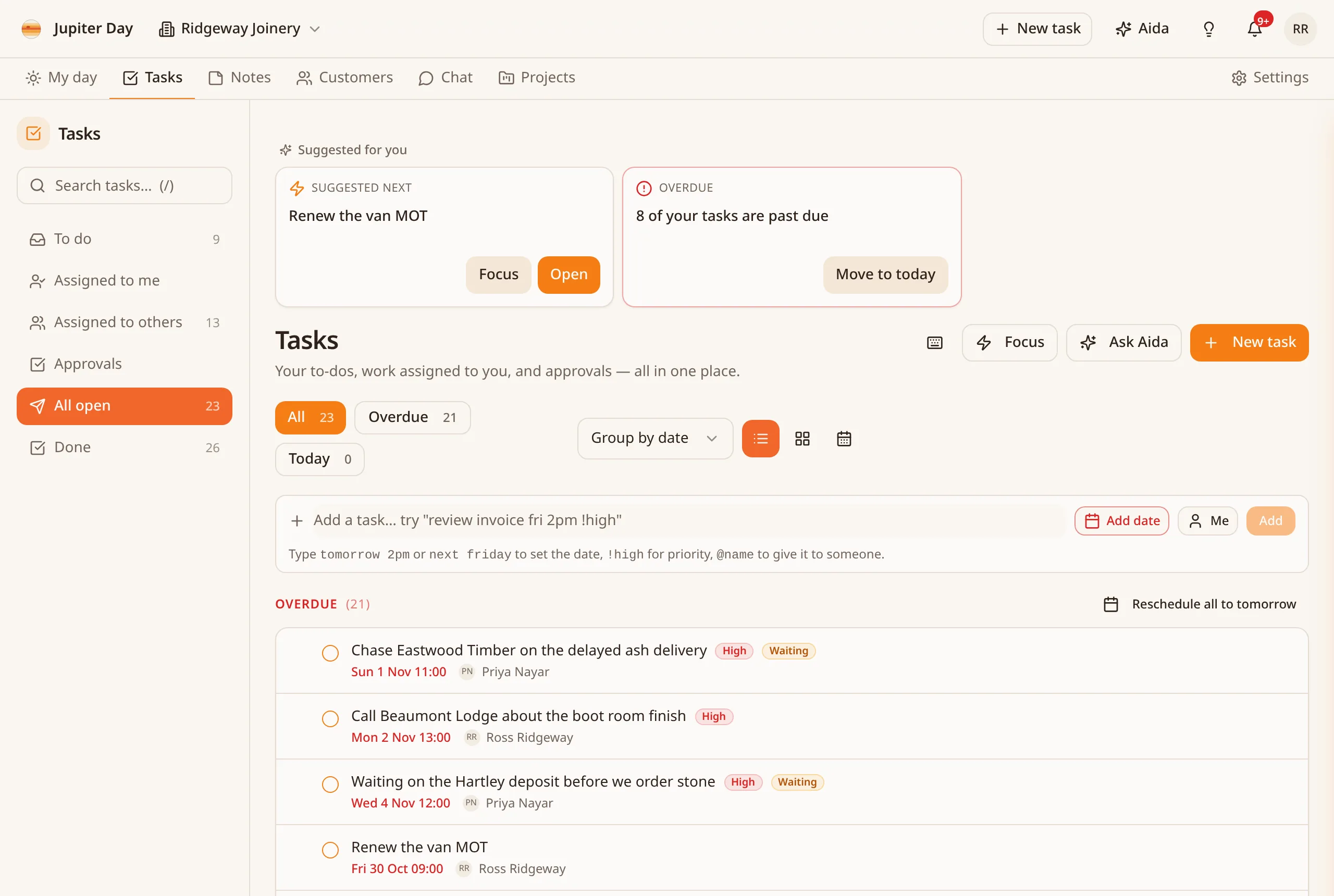
The Tasks list, with overdue tasks in red.
Sleep a task
When something won't happen today, Sleep it instead of re-dating it by hand:
| Option | Brings it back |
|---|---|
| Until tomorrow | A day later (by default), counted from now or the due date, whichever is later, then moved to a working day if it lands on a day off |
| For a week | Seven days later (by default), counted the same way |
| Pick a date… | Any day you choose |
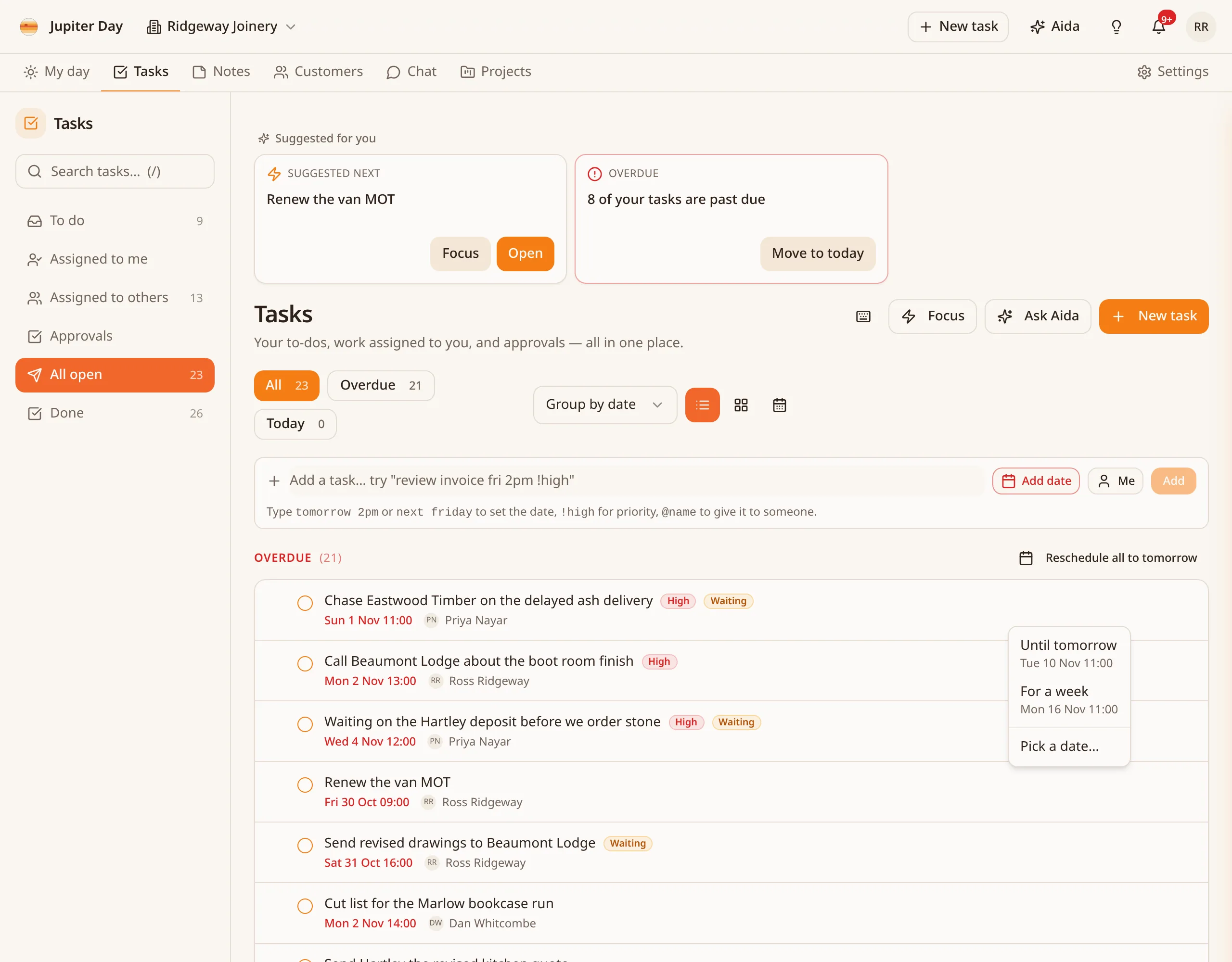
The Sleep menu.
Owners and admins set the working week and both Sleep lengths in Settings › General › Working week. Working days follow UK time. Bank holidays aren't skipped.
Behind on everything?
Press R on the Tasks page to move all your overdue tasks to tomorrow at 09:00.
Snoozed tasks
Snoozed tasks are parked on purpose. They're kept out of your day-to-day lists (you'll still find them under All open) and never count as overdue.